
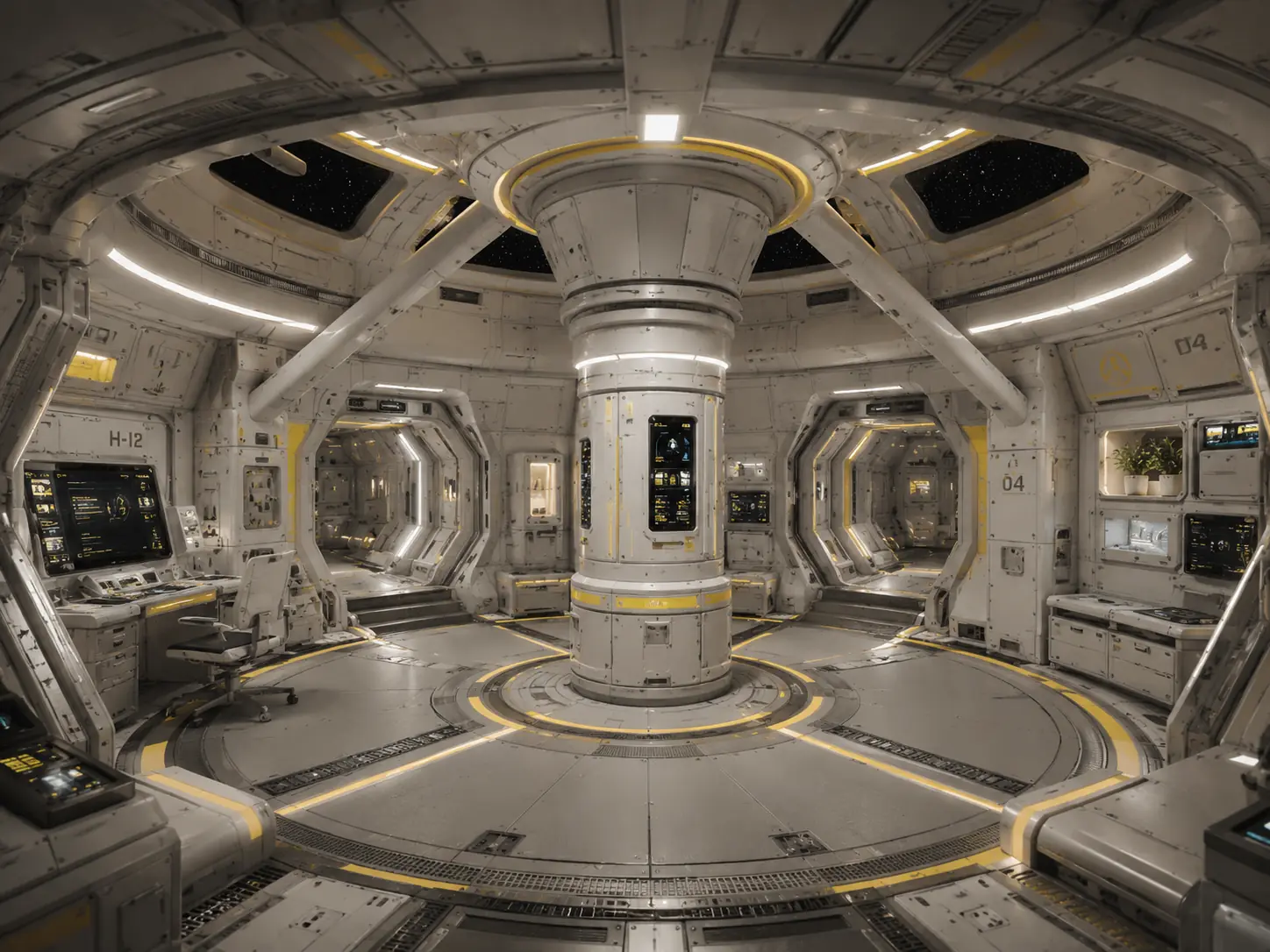
Every career starts the same way: a shuttle, 10,000 credits and a docking berth. Where you go from there is up to you.
Your first pilot
- Open the game with Play and choose New Pilot.
- Pick a name for yourself and for your ship. Both can be anything you like.
- Decide on Strict Play. A Strict Play pilot can’t be brought back after their ship is destroyed. Leave it off while you learn.
- Choose Enter Ship. The first flight opens with an introduction; Esc skips it.
The game never picks a pilot for you: when you come back, choose one with Open Pilot first.
The spaceport
You start docked. A spaceport offers some or all of these, depending on the port:
- Commodity Exchange: buy and sell cargo. See Trading.
- Mission computer and Bar: contracts and passengers. See Missions.
- Shipyard and Outfitter: new hulls and equipment. See Ships and outfits.
- Refuel, and on some stations the Wanted board and the Frontier office.
When you’re ready, choose Depart.
A good first hour
- Take a low-risk cargo contract from the mission computer: you get paid and see a new system.
- While there, compare commodity prices with your home port and fill your hold with something that sells better back home.
- Spend early profits on cargo space and a better hull before buying weapons.
Saving
Your pilot is saved when you land, when you take a contract, and from the pause menu (Esc → Save Pilot). Choosing Main Menu in the pause menu also saves. See Accounts and pilots for where saves live.